Raspberry Pi vs Mini PC for a Home Server: Which Should You Actually Buy?
Gearabout is reader-supported. When you buy through links on this page, we may earn a small commission — at no extra cost to you. Learn more.
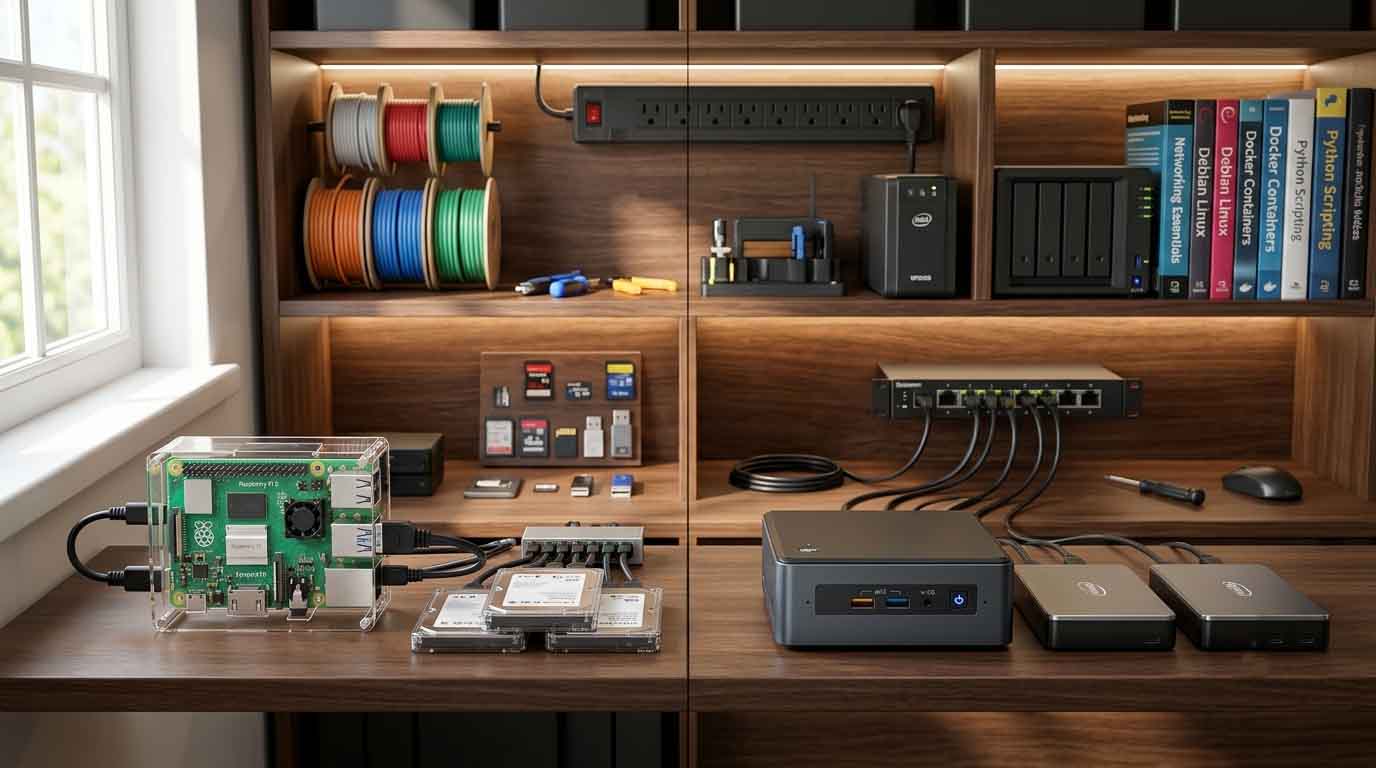
If you’re setting up a home server, the first real decision is what to run it on. For years the default answer was a Raspberry Pi — cheap, tiny, endlessly hackable. But mini PCs have gotten dramatically better and cheaper, and for a lot of self-hosting workloads they’ve quietly become the smarter buy.
This isn’t a “Pi is dead” argument. Both are legitimate choices, and the right one depends entirely on what you’re hosting. Here’s how to decide.
The short answer
Choose a Raspberry Pi if you want to spend the absolute minimum, your workload is light (Pi-hole, Home Assistant, a small web service), you care about GPIO pins and hardware projects, or the learning itself is the point.
Choose a mini PC if you plan to run a real self-hosted stack — Nextcloud, Immich, Jellyfin or Plex, several Docker containers, or virtual machines — and especially if media transcoding is involved. The extra cost buys you far more headroom than the price difference suggests.
Now the detail.
Where the Raspberry Pi wins
Price at the very bottom. A Pi is genuinely cheap, and if your entire workload is a DNS ad-blocker and a home automation hub, you don’t need more.
Power consumption. A Pi sips power. For something running 24/7, that’s real money over years — though as we’ll see, modern low-power mini PCs have narrowed this gap significantly.
Size and silence. It’s a credit-card-sized board with no fan (in most configurations). It disappears behind a router.
GPIO and hardware projects. This is the Pi’s genuine, unmatched advantage. If you want to connect sensors, control relays, drive displays, or build anything that touches physical hardware, a mini PC simply can’t do it. No contest.
The learning ecosystem. Enormous community, endless tutorials, and a culture built around tinkering.
Where the mini PC wins
Raw performance per dollar, at any real workload. A budget mini PC with a modern Intel N150 costs somewhere around the $160–200 mark. For that, you get a multi-core x86 processor, upgradeable RAM, and NVMe storage. It will run a full self-hosting stack — Nextcloud, Jellyfin, Home Assistant, Pi-hole, and a dozen Docker containers — without strain. A Pi will struggle well before that point.
RAM, and the ability to add more. RAM is the primary constraint in self-hosting. A rough planning figure is about 1GB per service, and a realistic stack (Nextcloud plus a database, a photo server with AI features, a media server) consumes 8–12GB easily. 16GB is the practical minimum for a serious home server. Mini PCs let you get there — and often to 32GB or 64GB. A Pi’s memory is soldered and far more limited.
NVMe storage. Mini PCs typically ship with an M.2 NVMe slot. That’s dramatically faster than the Pi’s traditional microSD card, which is also a notorious reliability weak point for always-on servers. Databases in particular hate slow storage.
Hardware video transcoding — the killer feature. This is the argument that ends most debates. Intel CPUs from 12th generation onward (including the low-power N100, N150, and N305) include Quick Sync, which hardware-accelerates video transcoding. A 6–10W Intel mini PC can transcode 4K Plex or Jellyfin streams to multiple clients without breaking a sweat. A Raspberry Pi cannot do this meaningfully. If you’re building a media server with remote users, this alone decides it.
x86 compatibility. Some software simply runs better — or only — on x86. ARM support has improved enormously, but you’ll still hit the occasional Docker image or application that assumes x86. Mini PCs sidestep the issue.
Virtualization. If you want to run Proxmox with several VMs, a mini PC is the realistic option. A Pi isn’t built for that.
The power consumption myth
The Pi’s reputation is built partly on power efficiency, and that used to be a decisive advantage. It’s less clear-cut now.
Modern Intel N-series mini PCs idle at roughly 6–10 watts. That’s genuinely low — barely noticeable on an electricity bill, and not dramatically more than a Pi under load. Ryzen-based mini PCs draw more, so if power efficiency is your priority, stick to the Intel N-series boxes.
The honest framing: the Pi is still more efficient, but the gap has narrowed to the point where it rarely justifies choosing a Pi for a workload the Pi can’t comfortably handle. You’d be optimizing pennies while your server struggles.
Total cost: the comparison people get wrong
A Pi looks cheaper until you add everything it needs. Once you buy the board, a decent power supply, a case, a quality microSD card (or better, an SSD and adapter, since SD cards fail), and possibly a cooler, you’re often not far from the price of a budget mini PC that includes RAM, NVMe storage, a case, a power supply, and dramatically more performance.
That’s not to say the Pi is a bad deal — it’s a fine deal for what it is. But do the complete comparison, not the board-price-vs-mini-PC-price one.
What each is actually good for
Get a Raspberry Pi for:
- Pi-hole / AdGuard Home (DNS ad-blocking)
- Home Assistant (with modest add-ons)
- A small personal web service or bot
- Anything involving GPIO, sensors, or physical hardware
- Learning Linux and self-hosting fundamentals cheaply
Get a mini PC for:
- Plex or Jellyfin, especially with remote users or 4K transcoding
- Nextcloud, Immich, or anything with a database
- A Docker stack of many containers
- Proxmox and virtual machines
- Anything you want to grow into rather than out of
If you go with a mini PC, what to look for
16GB RAM minimum. Budget roughly 1GB per service. If you plan on VMs, look for a unit supporting 32GB or more.
Intel if media matters. Quick Sync makes Intel N100/N150/N305 boxes remarkably efficient media servers. Choose AMD Ryzen only when you need raw multi-core power for heavy virtualization or computation.
NVMe storage, and a plan for bulk data. Most mini PCs have one M.2 slot, sometimes a 2.5″ SATA bay. Your OS and databases go on NVMe; for media libraries and photo backups, attach a USB 3.0 external drive or use a NAS over the network.
24/7 reliability. These run constantly. Favor models with a reputation for stable always-on operation.
Remote access from day one. Set up something like Tailscale (easiest secure tunnel) or a reverse proxy with a domain and SSL. You’ll want to reach your services from outside the house.
Frequently asked questions
Can a Raspberry Pi run Plex or Jellyfin? It can serve media, but it can’t hardware-transcode the way an Intel mini PC can. If your clients play files natively without transcoding, a Pi may be fine. If you have remote users, or need to transcode 4K to a lower bitrate, an Intel mini PC with Quick Sync is far better suited.
Is a mini PC overkill for a beginner? Not really. A budget Intel N150 box costs around $160–200, runs silent, and idles at single-digit watts. It makes the financial risk of trying self-hosting small, while giving you room to add services rather than hitting a wall in three months.
How much RAM do I need for self-hosting? 16GB is the practical minimum for a real stack. Plan on roughly 1GB per service. Nextcloud with a database, a photo server with AI features, and a media server will use 8–12GB comfortably. Get more if you plan to run VMs.
Is the microSD card really a problem on a Pi? It’s a well-known weak point for always-on servers — SD cards have limited write endurance and can fail. Many Pi self-hosters boot from a USB SSD instead, which helps considerably but adds cost and cables.
Does self-hosting actually save money? For most households replacing several cloud subscriptions, a self-hosted setup can pay for itself within a couple of years — and the low idle power draw of modern Intel mini PCs keeps running costs minimal.
Can I use both? Absolutely, and many people do. A common setup runs a Pi for GPIO-connected home automation and a mini PC for the heavy self-hosted services. They complement each other.
The bottom line
The Raspberry Pi remains excellent at what it was designed for: cheap, low-power, hackable computing with real hardware I/O. If your workload is light or your project involves sensors and GPIO, buy the Pi.
But for general self-hosting in 2026, a mini PC is usually the better buy. The performance, RAM ceiling, NVMe storage, and — above all — Intel’s Quick Sync hardware transcoding make it a far more capable server for a modest price difference. Once you’ve counted the Pi’s accessories, the gap narrows further.
Start with a budget Intel box, get at least 16GB of RAM, and you’ll have a home server you can grow into for years.
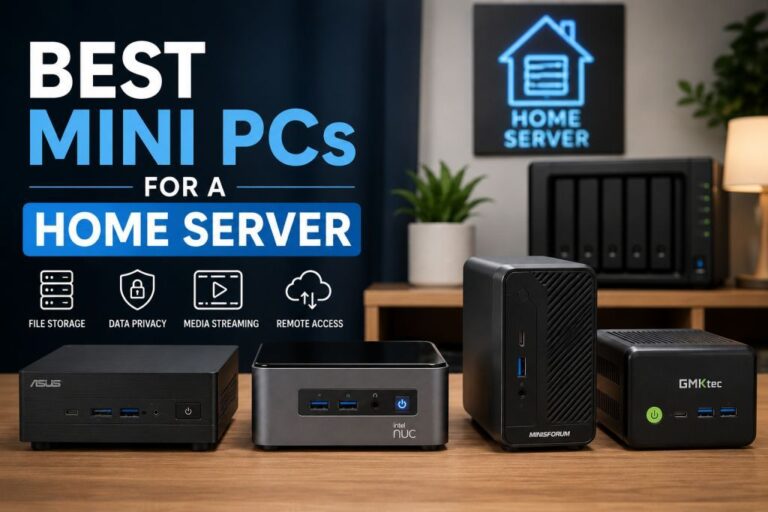
→ See our picks in the best mini PCs for a home server guide.