Best Affordable Standing Desks for a Home Office in 2026: 5 Sit-Stand Picks That Deliver
Gearabout is reader-supported. When you buy through links on this page, we may earn a small commission — at no extra cost to you. Learn more.
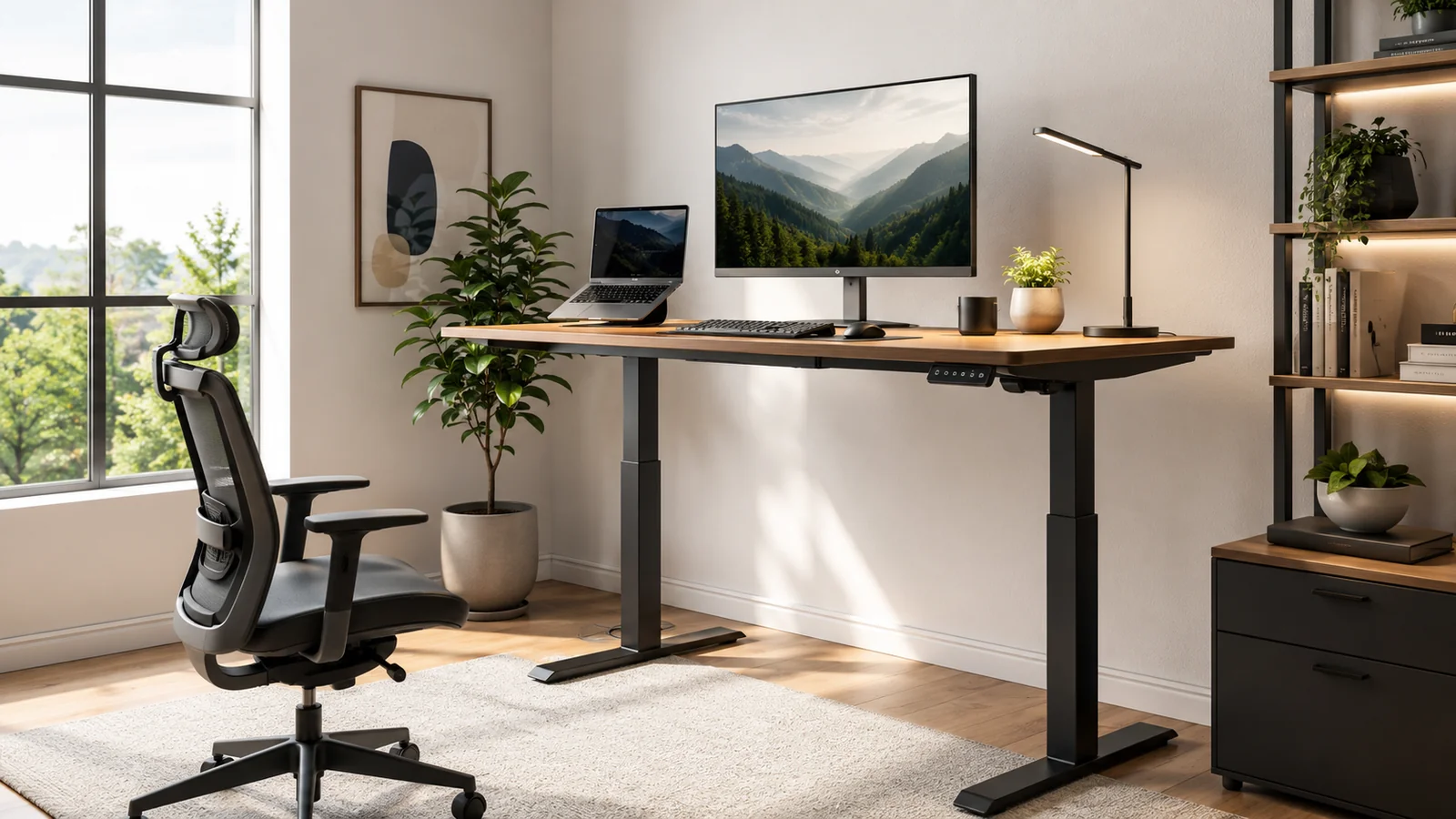
If you work from home eight to ten hours a day, your desk isn’t just furniture — it’s a performance variable. Sitting all day drains energy, stiffens your neck and back, and kills focus by mid-afternoon. A good sit-stand desk lets you switch between sitting and standing at the press of a button, shaking off the slump without interrupting your work.
The good news: you no longer need to spend a fortune to get a solid one. The five electric standing desks below all deliver the essentials that actually matter — stable frames, quiet motors, and easy height presets — at prices that won’t make you wince. We’ve matched each to the kind of home setup it suits best, so you can pick the right one instead of the most advertised one.
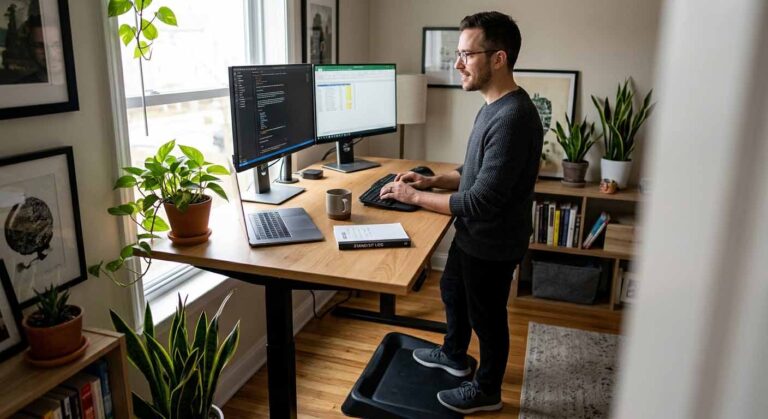
After using a standing desk, I would not say standing all day is the answer. The real benefit is being able to switch positions. Sitting for long hours makes my back feel stiff, but standing for too long also gets tiring. A good sit-stand desk gives you the freedom to move during the day, take calls while standing, and sit back down when you need deep focus. For a home office, that flexibility matters more than any fancy feature.
Quick picks: the best affordable standing desks at a glance
| Category | Desk | Best for |
|---|---|---|
| Best overall | FlexiSpot E6 Bamboo | Dual motors, high capacity, trusted brand |
| Best for healthy habits | VASAGLE Electric | Sedentary reminders and safety features |
| Best large desktop | Veken 55″ | Maximum surface for multi-monitor setups |
| Best for gaming setups | Huuger 55″ | Anti-collision, 220 lb capacity, walking-pad ready |
| Best for small spaces | Claiks 24×48 | Compact footprint for tight rooms |
What actually matters in a standing desk
Before the picks, here are the specs that genuinely affect daily use — not the marketing fluff:
Stability. The single most important factor. A desk that wobbles at standing height is distracting, especially with monitors on top. Dual-motor frames and a solid steel structure generally mean less sway than the cheapest single-motor models.
Height range. Make sure it goes low enough for comfortable seated work and high enough for your standing height. Most desks in this roundup cover roughly 28″ to 46″, which suits the majority of users — but taller users especially should check the top of the range.
Height presets. A desk where you hold a button to the right height every time is a desk you’ll stop adjusting. Programmable presets — three or four — are what keep a sit-stand routine consistent.
Motor noise. A loud motor cuts into video calls. The quieter desks here run under 45–52 dB, low enough to stay off your microphone.
Weight capacity. Account for monitors, arms, a PC, and everything else. Capacities in this roundup range from about 154 lb to 220 lb — check the rating if you run a lot of gear.
Cable management. It matters more than you’d think when the whole surface moves up and down. Built-in cable trays or grommets keep wires from snagging as you adjust.
The best affordable standing desks, reviewed
1. FlexiSpot E6 Bamboo — Best overall
FlexiSpot is one of the most trusted names in affordable sit-stand desks, and the E6 Bamboo shows why. It pairs genuine dual motors with an FSC-certified solid bamboo desktop that looks far more premium than its price suggests.
Why it’s great for a home office: The dual-motor system is the standout — it runs whisper-quiet (under 45 dB) while handling up to 220 lbs, which is 65% more capacity than typical single-motor desks. The 55″ x 28″ bamboo surface is smooth, easy to clean, and environmentally sourced, and the height range (23.6″ to 48.8″) is wider than most rivals, accommodating both shorter and taller users. Backed by a 5-year frame-and-motor guarantee, it’s the pick that balances quality, capacity, and peace of mind.
Watch out for: It ships in two boxes and, like all these desks, requires assembly. The bamboo finish, while attractive, is a specific look that won’t suit every room.
Best for: Anyone who wants the most trusted brand, dual motors, and a premium-feeling surface without a premium price.
Check current price on Amazon →
2. VASAGLE Electric Standing Desk — Best for healthy habits
The whole point of a standing desk is to sit less — and the VASAGLE is built around actually making that happen, with features aimed at breaking the sedentary cycle rather than just enabling it.
Why it’s great for a home office: Its standout is the sedentary reminder, which nudges you to change position so the desk’s health benefit doesn’t go unused. Add 4 one-touch memory presets (28.3″ to 46.5″), a motor tested for 20,000 lifts, and thoughtful safety touches — rounded corners to reduce bumps and a child-lock function to prevent accidental operation — and it’s the most “look after you” desk here. Two cable holes and side hooks for bags and headphones keep the workspace tidy.
Watch out for: Its weight capacity (154 lb) is the lowest in this roundup, so it’s better suited to a lighter single- or dual-monitor setup than a heavy multi-monitor rig.
Best for: People who want the desk itself to help build healthier habits, plus solid safety features.
Check current price on Amazon →
3. Veken 55″ Large Electric Standing Desk — Best large desktop
If desk space is your priority, the Veken gives you a generous 55-inch surface at a budget-friendly price — room for multiple monitors, a laptop, and peripherals without feeling cramped.
Why it’s great for a home office: The large 55″ wooden desktop comfortably fits a multi-monitor setup with space to spare, and built-in cable management keeps the extra gear tidy. The quiet motor (under 52 dB) and memory presets handle smooth transitions across its 28.3″ to 46.5″ range. Assembly is straightforward, typically 10–30 minutes. It’s a lot of usable surface for the money.
Watch out for: The desktop is composed of two boards rather than a single piece, so there’s a seam down the middle. Stability may vary slightly depending on your floor type and how much weight you load on.
Best for: Anyone who wants maximum desktop space — multi-monitor users, or those adding a walking pad — on a budget.
Check current price on Amazon →
4. Huuger 55″ Large Electric Standing Desk — Best for gaming setups
The Huuger combines a deep, spacious desktop with the higher weight capacity and safety features that a loaded gaming or multi-monitor setup demands.
Why it’s great for a home office: Its 55″ x 27.6″ deep desktop gives you room for a full gaming or multi-screen rig, and the industrial-grade steel T-frame supports up to 220 lbs for real stability under load. The motor is impressively quiet (under 45 dB), and it adds anti-collision technology that reverses the desk if it hits something on the way up or down — genuinely useful when you’ve got a lot of gear underneath. An LED keypad with 3 presets, side hooks, and cable management round it out, and it’s rated for walking-pad use.
Watch out for: Like the Veken, it’s a large desk that needs the floor space to match. Confirm your room can accommodate the 55″ width comfortably.
Best for: Gamers and multi-monitor users who want a deep, high-capacity desk with anti-collision safety.
Check current price on Amazon →
5. Claiks Electric Standing Desk (24×48) — Best for small spaces
Not everyone has room for a 55-inch desk. The Claiks proves you can get a stable, full-featured sit-stand desk in a compact footprint that fits tight rooms and smaller home offices.
Why it’s great for a home office: At 48″ x 24″, it slots into spaces the larger desks can’t, while still delivering electric height adjustment (28.3″ to 46.5″), three preset buttons, and a sturdy industrial-grade steel frame that holds up to 176 lbs. The rounded desktop and arc table legs make for a comfortable, safe workspace, and the company’s iterative refinement shows in the solid, no-nonsense build. Assembly is well-documented with a video guide and pre-marked screw holes.
Watch out for: The 48″ x 24″ surface is the smallest here, so it’s best for a single- or dual-monitor setup rather than a sprawling workstation. Like several others, the desktop uses a splice-board (two-panel) design.
Best for: Small rooms, apartments, and anyone who wants a proper standing desk without dedicating a huge footprint to it.
Check current price on Amazon →
How to choose the right standing desk for you
If you want the best all-round quality: the FlexiSpot E6 Bamboo offers dual motors, the highest capacity, a premium surface, and the longest warranty.
If your goal is to actually sit less: the VASAGLE’s sedentary reminder and presets are built to keep you moving.
If you need maximum desk space: the Veken and Huuger both give you a full 55 inches — choose the Huuger if you want higher capacity and anti-collision safety for a gaming or multi-monitor rig, the Veken for a straightforward large surface.
If you’re tight on space: the Claiks fits where the big desks won’t, without giving up electric adjustment or presets.
Don’t forget the extras: standing on a hard floor for hours has its own downsides — an anti-fatigue mat makes a real difference. A monitor arm also helps you keep screens at eye level whether sitting or standing.
Frequently asked questions
Yes. The desks in this roundup deliver the features that actually matter — electric height adjustment, memory presets, stable steel frames, and quiet motors — at budget prices. You spend more mainly for premium materials, higher weight capacities, and longer warranties, but the core sit-stand benefit is fully covered at this price point.
Most of these desks cover roughly 28″ to 46″, which suits the majority of users for both sitting and standing. If you’re particularly tall, check that the top of the range reaches your comfortable standing elbow height before buying.
The higher-capacity models here (FlexiSpot E6 and Huuger, both 220 lbs) handle multi-monitor setups well. Stability is what separates good budget desks from cheap ones, so if you run a lot of gear, prioritize a sturdy dual-motor or steel T-frame model and check the weight rating.
It can be if you’re on frequent video calls. The quieter desks here run under 45–52 dB, low enough to stay off your microphone. Cheaper single-motor desks tend to be louder, so it’s worth considering if you take a lot of calls.
Most of these desks assemble in roughly 10–30 minutes with the included instructions, and several include video guides or pre-marked screw holes to speed things up. Having a second person helps when flipping the desktop over.
The bottom line
You don’t need to spend a fortune for a standing desk that genuinely improves your workday. For most people, the FlexiSpot E6 Bamboo is the best all-rounder — dual motors, high capacity, a premium surface, and a 5-year guarantee. If building healthier habits is your goal, the VASAGLE is built for it; for maximum space, the Veken or the gaming-ready Huuger; and for tight rooms, the Claiks fits where others won’t.
Whatever you choose, prioritize stability, quiet motors, and easy height presets — those are the things that decide whether you’ll actually use it every day.
Prices and availability change frequently. Check the current price using the links above before buying.